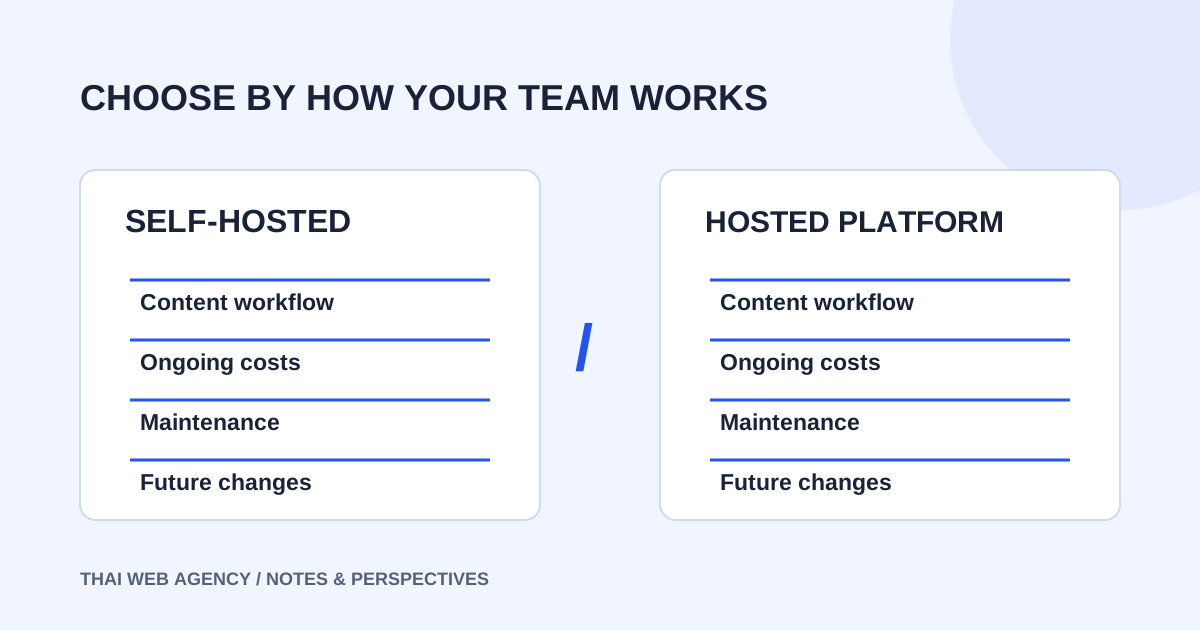
There is no platform that fits every business. A more useful decision starts with who edits the website, which functions matter, who maintains the system and what you need to preserve if you change it later. This article compares self-hosted software from WordPress.org with Wix. It does not treat WordPress.com’s hosted plans as the same product.
1. Understand the service model first
WordPress.org provides open-source website software you can install with an appropriate host, with themes and plugins for extensions. Wix is a website-building service on its own platform. The choice affects how the system is managed, not just the appearance of the first page.
Write down the actual jobs your team needs to perform: publish an article, update a service description, change a product detail or review an enquiry. Use those jobs to assess a demonstration. A beautiful homepage is useful for judging visual direction, but it does not show whether the content workflow is comfortable for the person who will manage it.
2. Try the editing tasks your team will repeat
Ask the developer to demonstrate changes to text, images and the information your team maintains most often. Use a staff member who will actually do the work. Avoid assuming that one platform is always easy and the other always difficult; the content structure, chosen tools and editor’s familiarity affect the experience.
Distinguish editing prepared content from changing the layout. Adding a news item to an agreed content area is different from rebuilding a page composition. Document which changes are part of the handover and which need development help. A CMS is a way to manage agreed content, not a promise that every future change requires no specialist support.
3. Agree responsibility after launch
Self-hosted WordPress needs an agreed plan for hosting, updates and backups. WordPress’s update documentation advises making a backup before updating. Wix includes hosting within its service, but someone still needs to maintain business content, account ownership and the selected subscription or apps.
Compare your team’s capacity with the responsibilities of each option. A flexible system is only useful when there is a realistic maintenance plan. If no one can own updates, agree a support scope. If you prefer to reduce infrastructure work, verify that the hosted platform meets the functions the business actually needs.
4. Compare the ongoing budget, not just the build fee
The WordPress.org software has no core software purchase fee, but domains, hosting, paid tools and maintenance have their own costs. Wix’s pricing page explains that prices vary by location and billing period. A displayed monthly figure may refer to a yearly subscription paid in full. Check the purchase page for the relevant account and billing conditions.
Prepare the same cost headings for both options: design and development, recurring service costs, licences and later changes. Separate essential items from optional additions. Ask who owns each account and who receives renewal notices. A low first-year total is difficult to assess when the quote does not explain what happens at renewal or when support is needed.
5. Consider migration and redesign constraints early
Wix states that a Wix site runs on Wix servers and cannot be exported as the same site to another host. Wix Editor’s template guidance also requires a new site when changing to a new template. These constraints do not make Wix unusable; they are matters to understand before choosing a long-term workflow.
For WordPress, a move still needs a review of files, database content, URLs and the tools in use. Do not assume everything will behave identically without testing. On either platform, a business with many articles, products or shared URLs should discuss preservation and migration before it becomes an urgent requirement.
| Question | What to check |
|---|---|
| Who edits the site? | Try real tasks with the team member responsible. |
| Who maintains the system? | Agree updates, backups and renewals. |
| What recurs? | Compare plans, hosting and licences. |
| What changes later? | Identify data to preserve and work to rebuild. |
6. Select around requirements rather than a universal winner
A content-heavy business or a site with specialist functionality may consider WordPress alongside a maintenance plan. A team seeking one hosted workspace may consider Wix when its tools meet the essential requirements. These are starting points for assessment, not rules assigning every business to a platform.
Test the most important requirement before committing: perhaps editing a detailed service page, handling a particular product structure or using a needed integration. Check whether the actual account plan supports what the demonstration shows. If a critical function is unavailable or the required tools exceed the budget, revise the scope or consider alternatives before development.
7. Turn the comparison into a clear decision
Summarise the business requirements on one page and ask the developer to explain the recommendation and its limitations. A familiar platform name is not a substitute for that reasoning. If an existing system already serves the business, improving content and design may be more useful than migrating it.
Thai Web Agency scopes WordPress and Wix work by website type and requirements, rather than assigning one platform fee to every job. Share your goals, approximate page count and editing tasks on LINE. We can use that brief to compare suitable approaches and identify which provider details need confirmation.
- The team has tried its real editing tasks.
- Build fees and recurring costs are separate.
- Account ownership and ongoing responsibilities are clear.
- Function and migration constraints have been checked.
- Deliverables and acceptance checks are agreed.
Sources and review date
The official sources below were checked on 1 October 2026 . Platform prices and conditions can change; check the official pages and purchase terms before committing.
Bring your brief to the conversation.
Share your goals, website type and editing needs. We’ll help assess an appropriate scope and approach on LINE.
Discuss your project on LINEExplore the related service →